Professional Identity
Create a public professional presence you control.
Publish a public resume, share Links, and use clean URLs when you want a polished place to send people.
What you can publish
MyResumator lets you turn structured experience into public surfaces when you choose to share them.
- A public resume tied to your selected experience
- Links for social profiles, portfolios, resumes, and contact paths
- A cleaner URL for easier sharing
Privacy first
Your information is private by default. Publishing is something you choose when a resume or Links presence is ready.
- Review before sharing
- Choose what becomes public
- Update your public presence as your work changes
Feature Examples
See where this fits in MyResumator
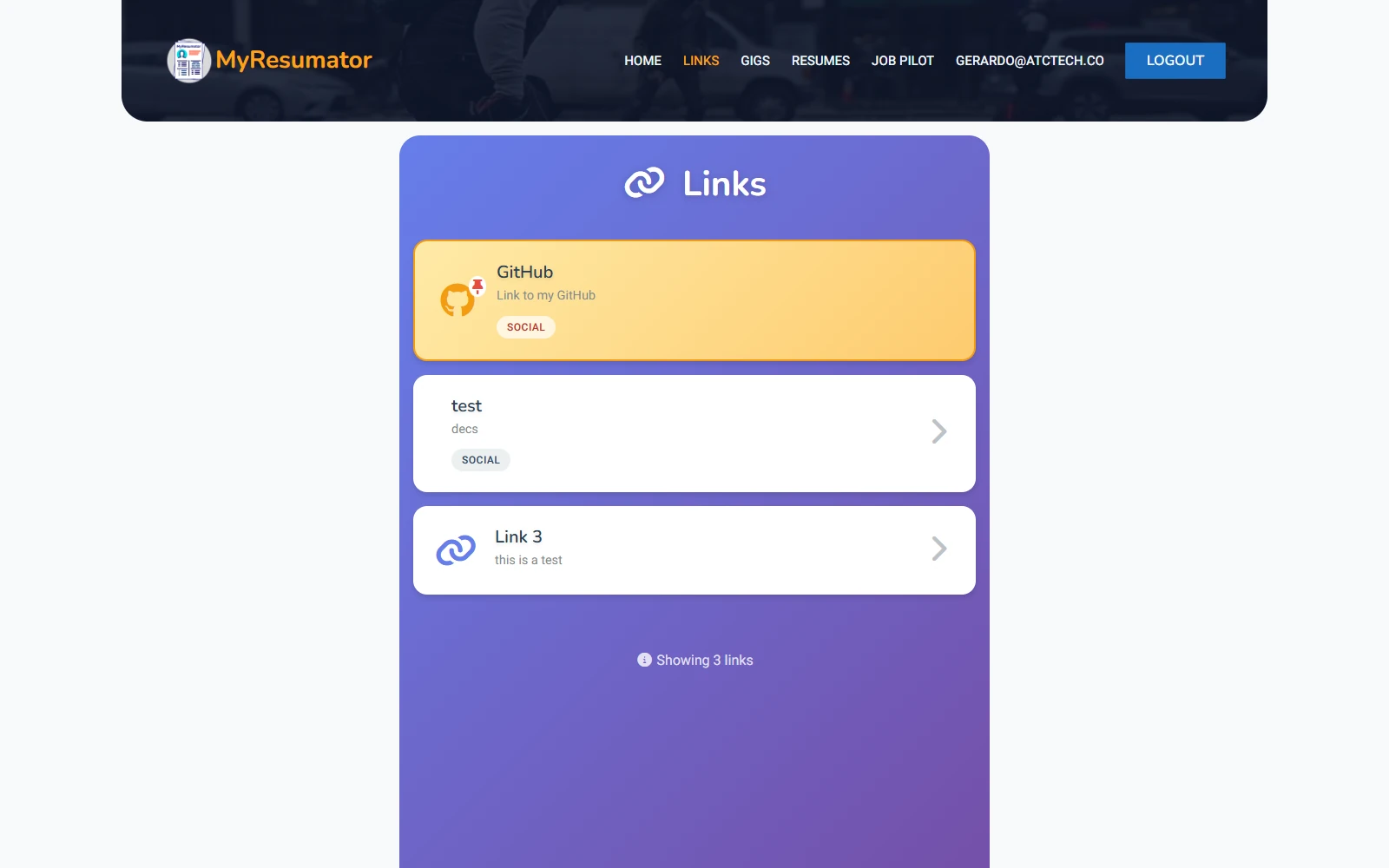
Public Links Landing Page
Create a simple public page that gathers your important links in one place.
It is designed for sharing on social profiles, applications, and anywhere you want people to get a quick snapshot of your online presence. Instead of sending people in multiple directions, you can guide them through one clean landing page.
Personalized URL
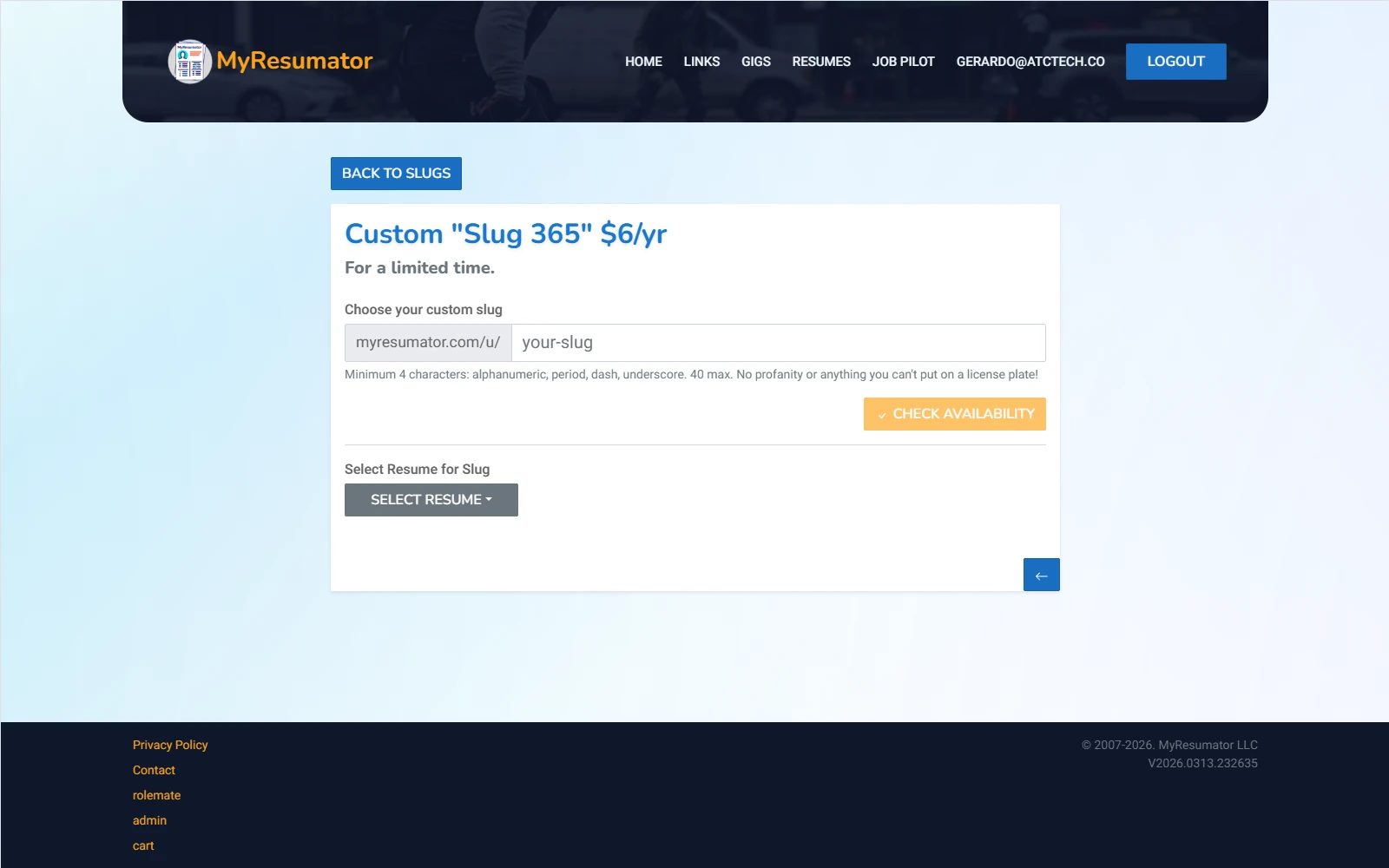
Customize your shareable MyResumator URL so it feels more personal and professional.
A memorable link is easier to place on resumes, profiles, and business cards, and it gives your page a cleaner presentation. It is a small detail that helps your online identity feel more intentional.
Personalized Subdomain
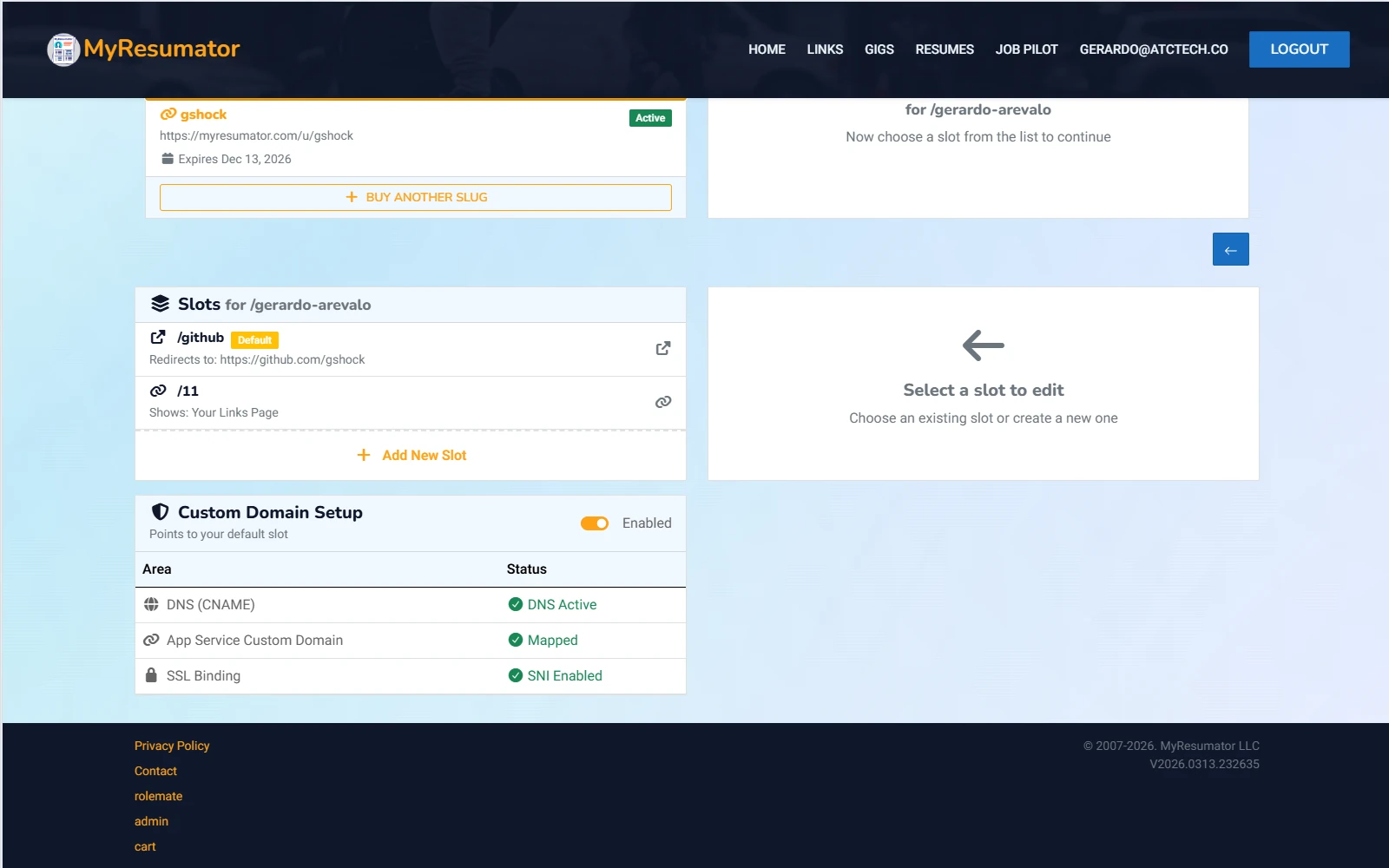
Take customization a step further with your own MyResumator or justlinks.page subdomain.
Your slug becomes a subdomain on myresumator.com or on justlinks.page — a clean, shareable destination that feels like yours. It is ideal for anyone who wants a stronger personal brand without building a site from scratch.
Plain-English example
Send one clean link to a recruiter, client, or collaborator instead of attaching several files and profile URLs.
Start with your resume. Build from there.
MyResumator is free to start. Upgrade when a branded public presence, unlimited resumes, or AI workflows become useful.